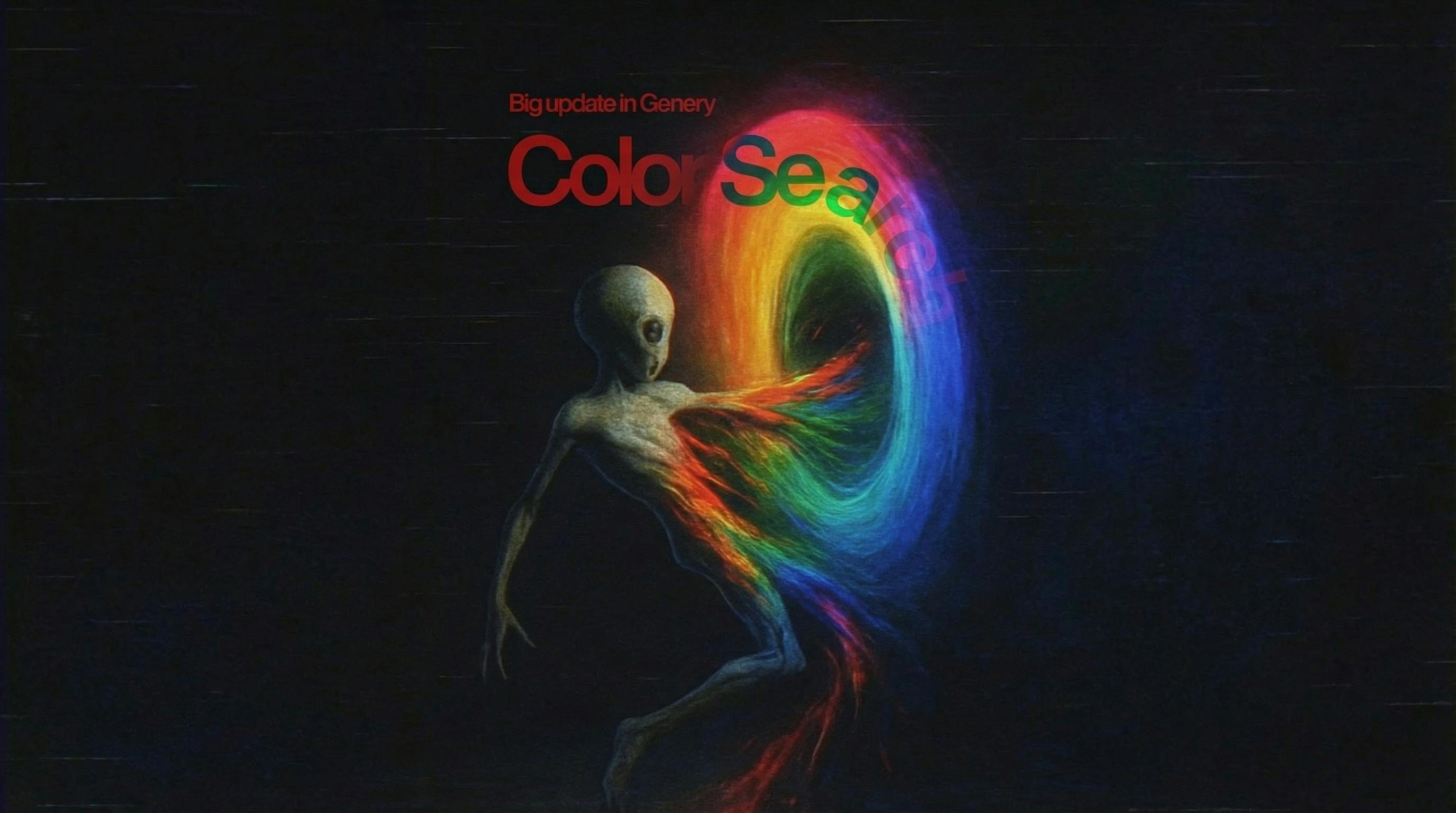
Color Search: Find Cinematic References by Color Palette 🎨
August 18, 2025
Sometimes a project starts with nothing more than a color.
Neon green that feels like a late-night music video.
A bright red balloon in a grey city.
Deep blues that instantly read as sci-fi.
The problem: most search tools still expect you to type words, not feelings. You write “night scene” or “club interior” and then scroll endlessly, hoping the right shade appears somewhere on page seven.
Color Search in Genery fixes that.
It lets you explore millions of cinematic references directly through color — fast, intuitive, and designed for filmmakers who think visually first.
Why Color Matters (And Where Most Creators Get It Wrong)
Color is one of the strongest emotional signals in visual storytelling.
Before a character speaks, before a shot even reveals its detail, color tells the audience how to feel.
Warm orange can feel nostalgic.
Blue can feel lonely.
Green can feel surreal, artificial, or dangerous.
The common mistake?
Creators search for references with text, even when what they actually want is a color palette.
Genery reverses this logic.
You start with a color — and the world of cinema arranges itself around that emotion.
What You Can Do With Color Search
Explore cinematic stills by color
Choose a color on the wheel and instantly browse frames across films, TV shows, music videos, and commercials that share that palette.
It feels more like browsing a mood than a dataset.
Combine with filters
You can add filtering for:
- shot type
- lighting
- composition
- angle
- mood
- genre
This makes the search dramatically more precise.
You’re not just finding “blue frames” — you’re finding “wide blue shots with soft light and silhouettes.”
Mix text + color
Type a keyword, choose a hue — Genery blends both:
- “red horror light”
- “blue hallway”
- “warm portrait close-up”
- “neon green car interior”
You get visuals that match both color and meaning.
Search inside a specific film
Sometimes you already have a reference title in mind.
Now you can:
- pick a film or music video
- choose a color
- see every frame in that project matching your palette
It’s perfect for treatments and moodboards that need consistent tonal direction.
Moodboards built faster
You can drag Color Search frames directly into your boards.
That makes your pitch decks sharper, more cinematic, and more coherent.
(A small internal glitch briefly returned way too many green frames from music videos — apparently green is everywhere — but it was fixed within hours.)
How Different Creators Use Color Search
Film & TV directors
They use it to explore the emotional tone of a scene or sequence — blue for coldness, red for tension, amber for warmth.
Music video directors
Color = energy.
Color Search helps define how each section of a track feels visually.
Commercial & brand creatives
Quick way to align brand palette with cinematic references and build treatments that feel polished.
Students and new creators
It's a practical introduction to color theory through real film frames.
FAQ — Color Search in Genery
What is Color Search in Genery?
A tool that lets you find cinematic frames and GIF scenes based on color. Ideal for moodboards, treatments, storyboards, and visual research.
Is Color Search free?
Yes. It’s available to all Genery users.
Can I combine color with keywords?
Absolutely — Genery blends text + palette for more accurate results.
Can I search inside one specific film?
Yes. You can filter by title and then apply a color palette.
Does it work with GIF scenes?
Yes — very useful for music videos and movement-driven references.
How accurate is the color detection?
Genery analyzes palette and dominant tones for highly precise matches.
How does this help with moodboards and treatments?
It lets you define tone visually and quickly, producing more consistent and cinematic boards.
Try Color Search in Genery
If you build moodboards, pitch decks, or visual treatments, Color Search will become one of your fastest creative tools.
Explore cinema through color — not just keywords.
Related articles
Introducing Treatments
Creative people lose days to building decks. Treatments hands that time back — layouts drawn by real designers, images generated on the slide, and a link you can send in one click.

Meet Alien, your AI creative director
Describe the film in your head and Alien builds it: a moodboard from ten million stills, a storyboard with shots and notes, a treatment ready to send. Three documents, one conversation.
Rebranding
We started as a small team building this product with love.
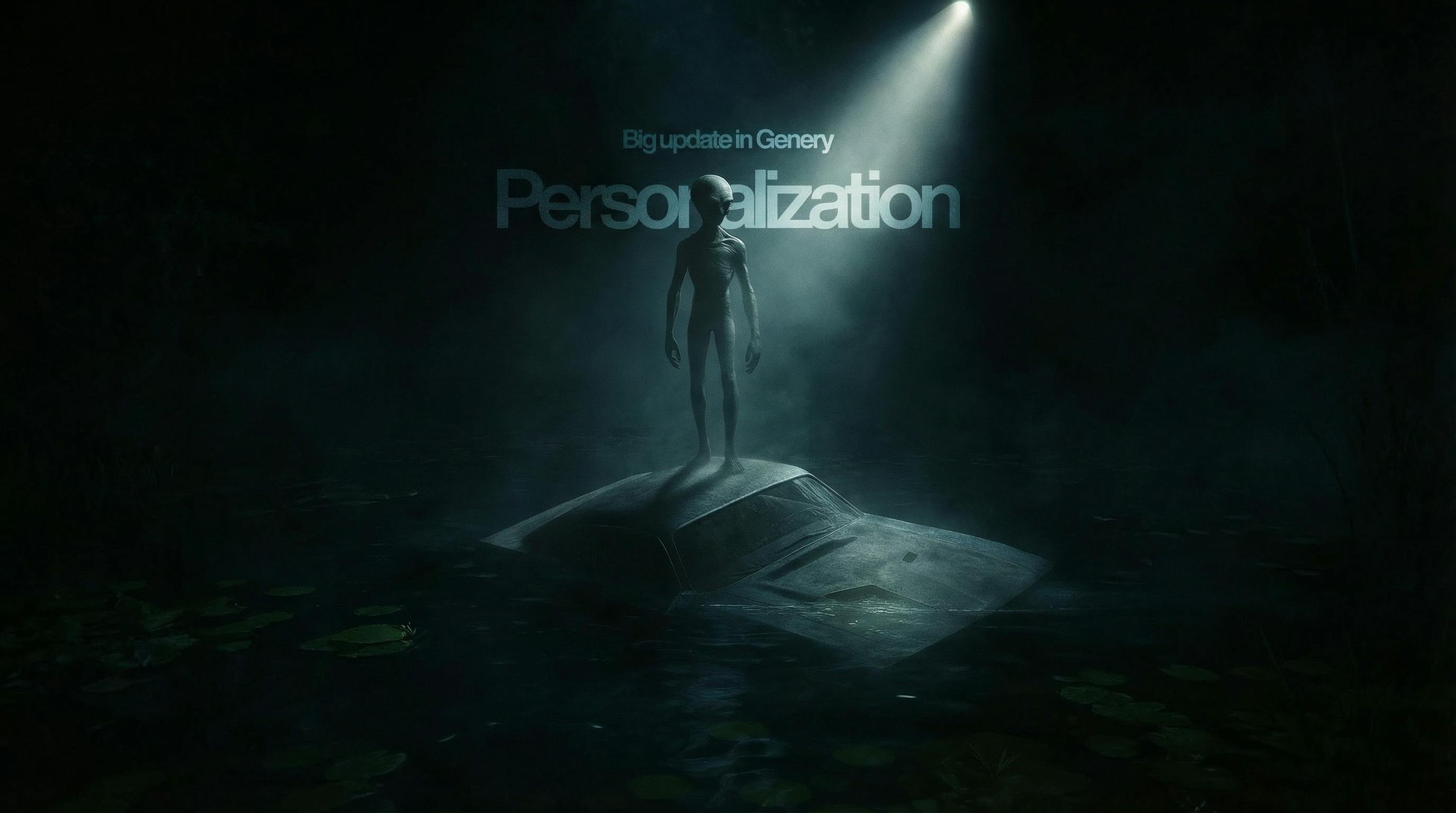
Personalization in Genery: Cinematic References Tailored to You
Open Genery today and you’ll see cinematic references shaped around your taste.